How to write an AI image prompt that comes out right
Image AI is literal, so your prompt decides everything. What to put in an AI image prompt, a before and after, and a tool that writes them for you.
By Tarlow
Image AI is very literal. It gives you exactly what you describe, which is the problem, because most of us describe pictures the way we describe dreams: one word and a vibe.
A prompt that works has a few parts. You do not need all of them every time, but the more you include, the less the model has to guess.
The subject
What is in the picture. “A candle” is a subject. “A hand-thrown ceramic candle holder with a lit beeswax candle” is a subject you can use.
The details
The things that matter to you. Shape, material, color, how many items, what is in the background. This is where a prompt is won or lost.
The style
Realistic photo, illustration, flat design, watercolor, 3D render. Skip it and you get whatever the model feels like that day.
The lighting and mood
“Soft morning light through a window”, “warm and cozy”, “clean studio lighting on white”. These change the result more than people expect.
The format
Square for Instagram, wide for banners, tall for product shots. Say it in words.
Here is the same idea twice.
Weak: “a candle for my shop listing”
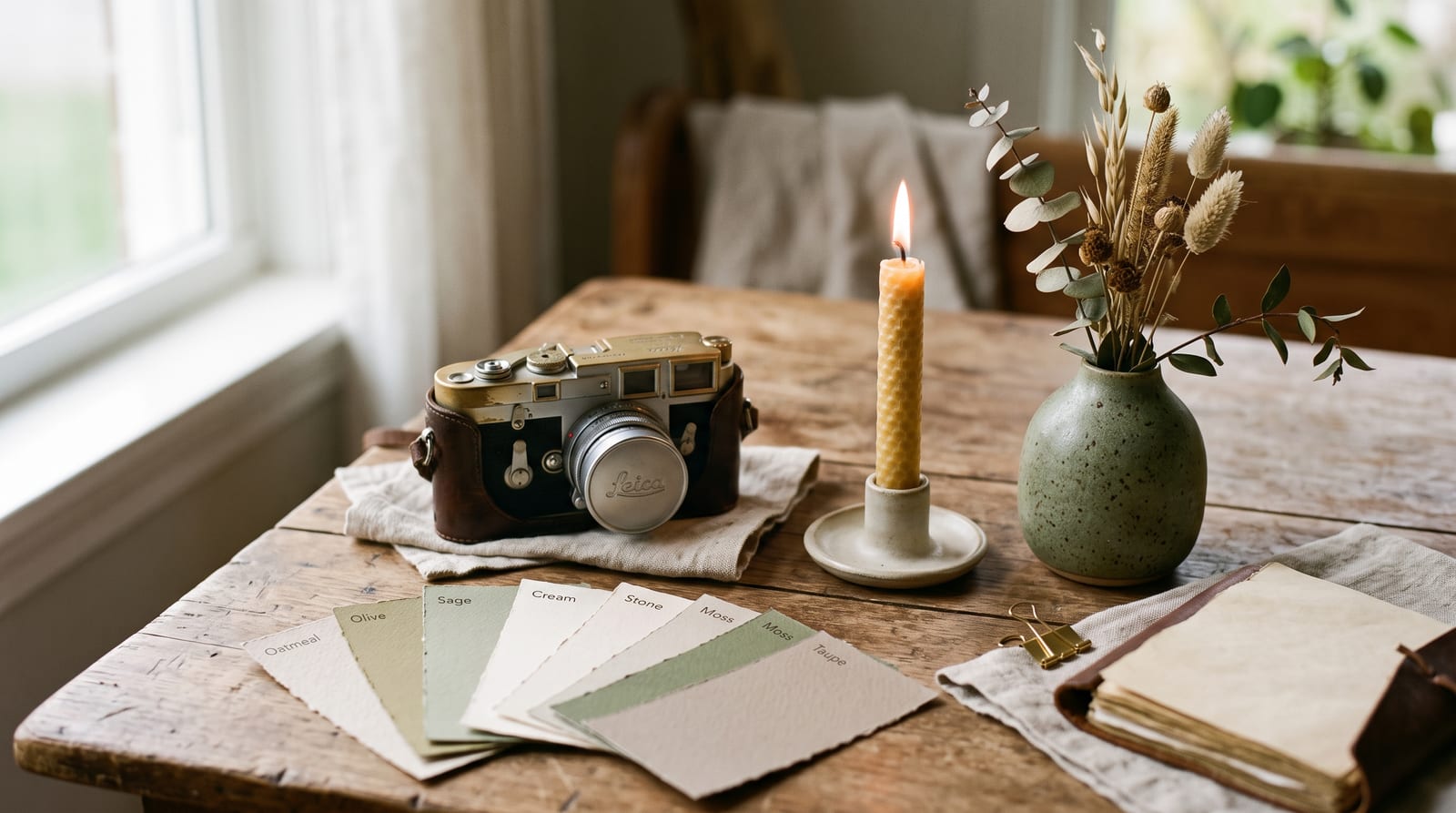
Strong: “A hand-thrown ceramic candle holder in cream, holding a lit beeswax candle, on a rustic wooden table, soft window light from the left, cozy warm mood, photorealistic product photo, square format, plain blurred background”
The second one is a prompt you can run. It will still not be perfect, and that is normal. Check the details that matter: text in the image, hands, logos. Those are the parts image AI gets wrong most often. If something is off, change one part and run it again. The prompt is a draft, not a contract.
Writing these from scratch every time gets old, so I made a tool for it. The AI image prompt generator is an AI tool: describe the picture you want in plain words, and it writes out a detailed prompt ready for Midjourney, Flux, or any image tool. One credit per run. It does the same job as the example above: takes your half-formed idea and fills in the parts you forgot.
Share this post
Keep reading
How to edit product photos with AI, no Photoshop required
Bad photos cost you clicks. How to fix backgrounds, lighting, and scenes with plain-language AI edits, one change at a time.
Read the post
How to find your brand voice and reuse it everywhere
Your posts sound different every time you write tired. Here is how to pin down your voice once, then reuse it on every platform without sounding like a different person.
Read the post
AI tools for small shops, minus the hype
What AI is actually good for in a small shop, what it is not, and how the AI tools in the toolbox work.
Read the post